
A customer support chatbot grounded in your answers
Customers often ask the same question in different ways: whether a service is available, which documents are required or how a return works. An AI chatbot for customer service can interpret that wording and answer from the information you approve. Keep policies specific, include important conditions and assign an owner to review changes. If a policy is missing, the assistant should ask a useful clarification or involve your team. A confident but unsupported answer creates more support work later.
Use a FAQ chatbot for repeatable questions
Start with opening hours, locations, service coverage, product guidance and standard process questions. Organize each answer around one customer need instead of uploading contradictory versions of the same policy. Include the question customers use and a direct explanation. A chatbot for customer support becomes useful when it reduces back-and-forth while respecting the limits of its knowledge. Order status, refunds and account changes require an approved live workflow or a person; a static FAQ does not establish what happened to a particular order.
Make human handoff part of the experience
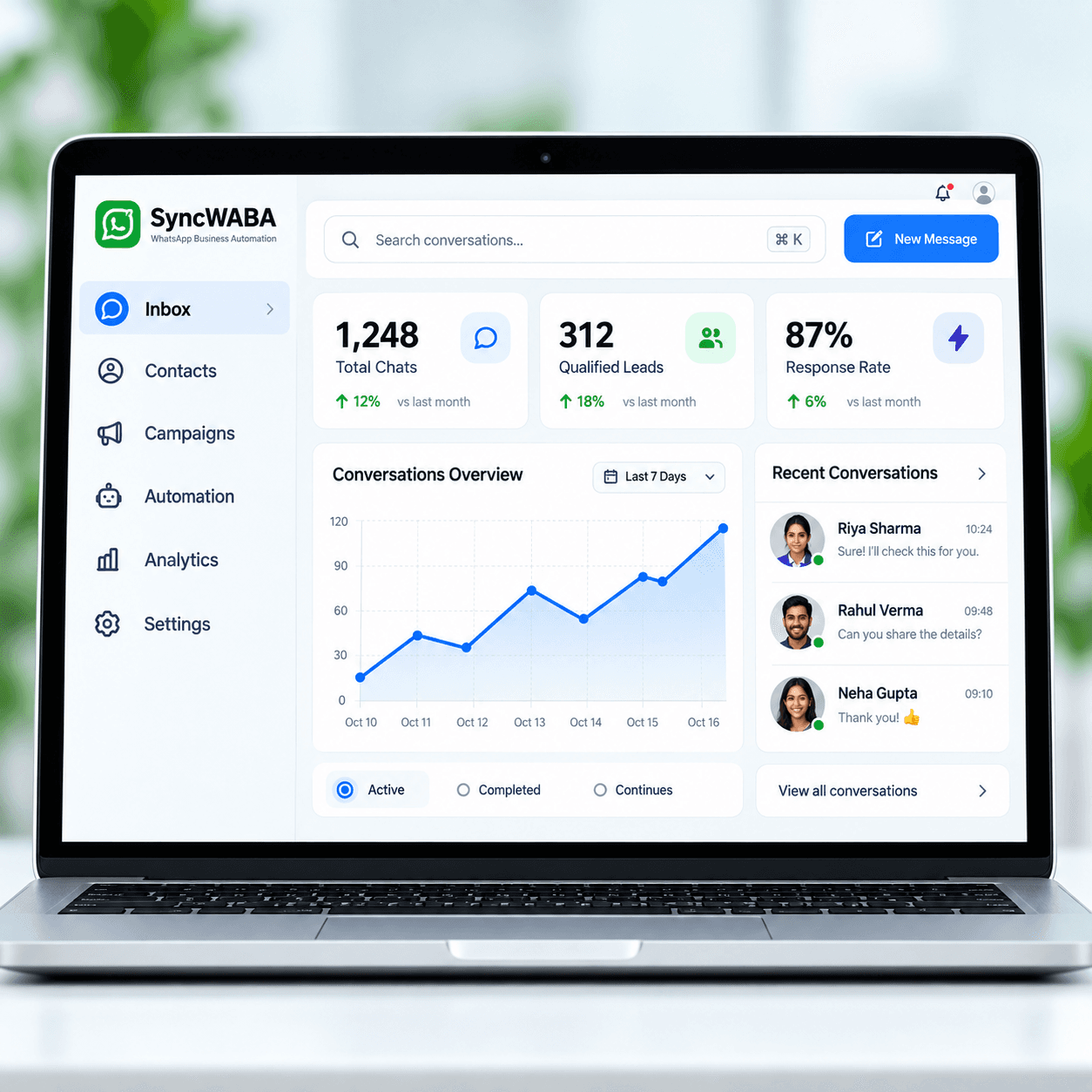
A complaint, an exception or a request for a person should lead to a clear owner. Preserve the original request, details already collected and the question still unresolved. SyncWABA keeps customer and lead context available in the workspace and supports human takeover. Agree whether AI pauses while the team handles a chat so the customer receives one coherent response. Tell customers what the next step is without promising a response deadline that your team cannot actually meet.
Plan a focused launch and review the results
Start with one frequently repeated support topic. Collect the questions your team actually receives, approve the answers and identify the person who owns exceptions. Decide which details matter: the customer’s request, relevant product or service and unresolved question. Keep the first rollout narrow enough that the team can review every conversation and correct confusing answers before expanding it. Test short messages, incomplete requests, Hindi, English and Hinglish, plus a direct request to speak to a person. Check that a human can continue from the captured context without asking the same questions again. Evaluate answer accuracy, repeated contacts and whether escalated cases reach the right person, rather than treating every automated response as a successful outcome. Review unanswered questions regularly, assign someone to maintain changing information and agree how customers can reach your team when automation cannot help. Bring these examples to your demo so the conversation starts with your actual operating needs.