Answers grounded in your business
Give customer AI replies the product and policy context you approve.
 SyncWABAConversations that convert
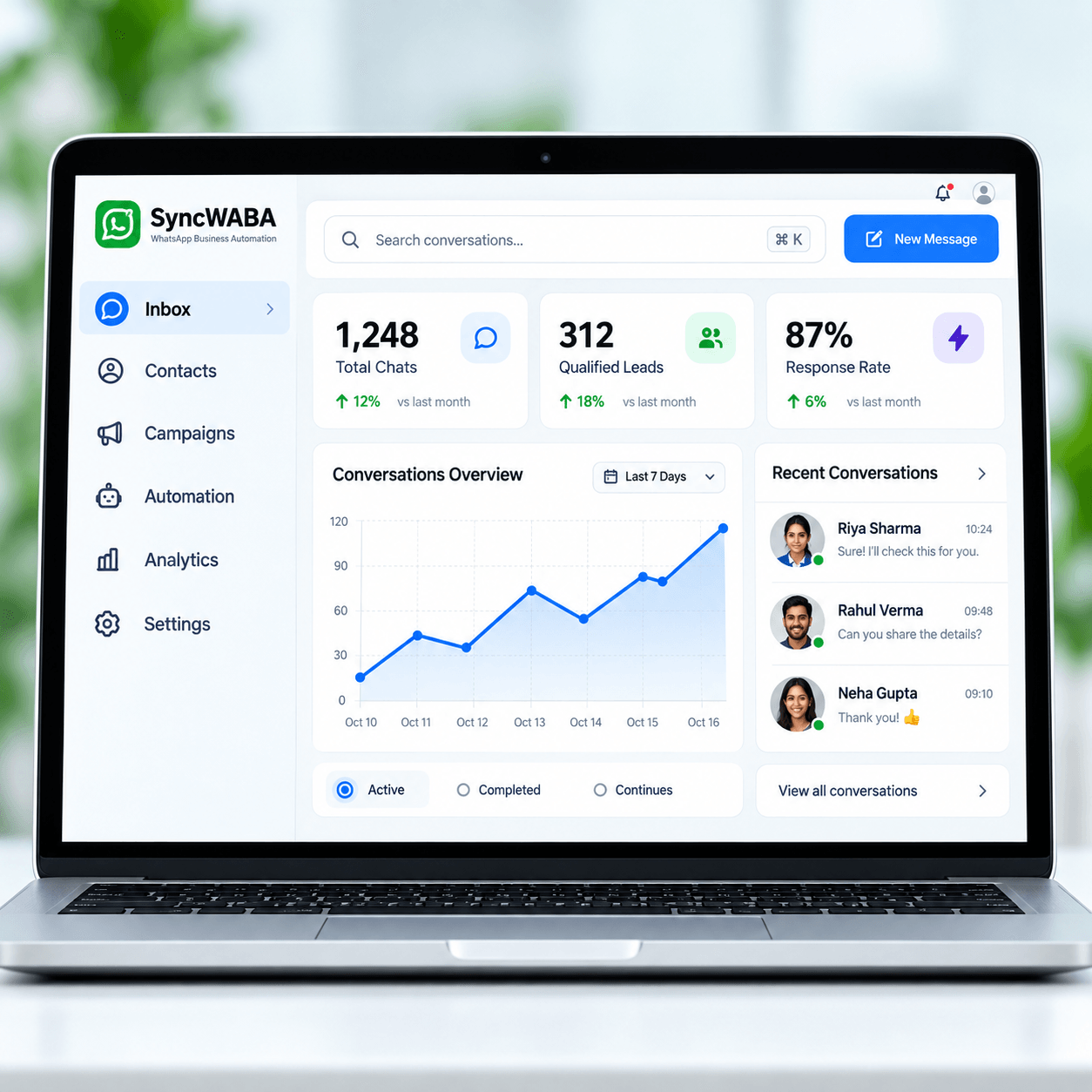
SyncWABA is a conversational AI platform that turns WhatsApp enquiries into useful sales and support conversations. Configure an AI chatbot for business with approved knowledge, lead context and clear human handoff.

Illustrative demo. No messages are sent.
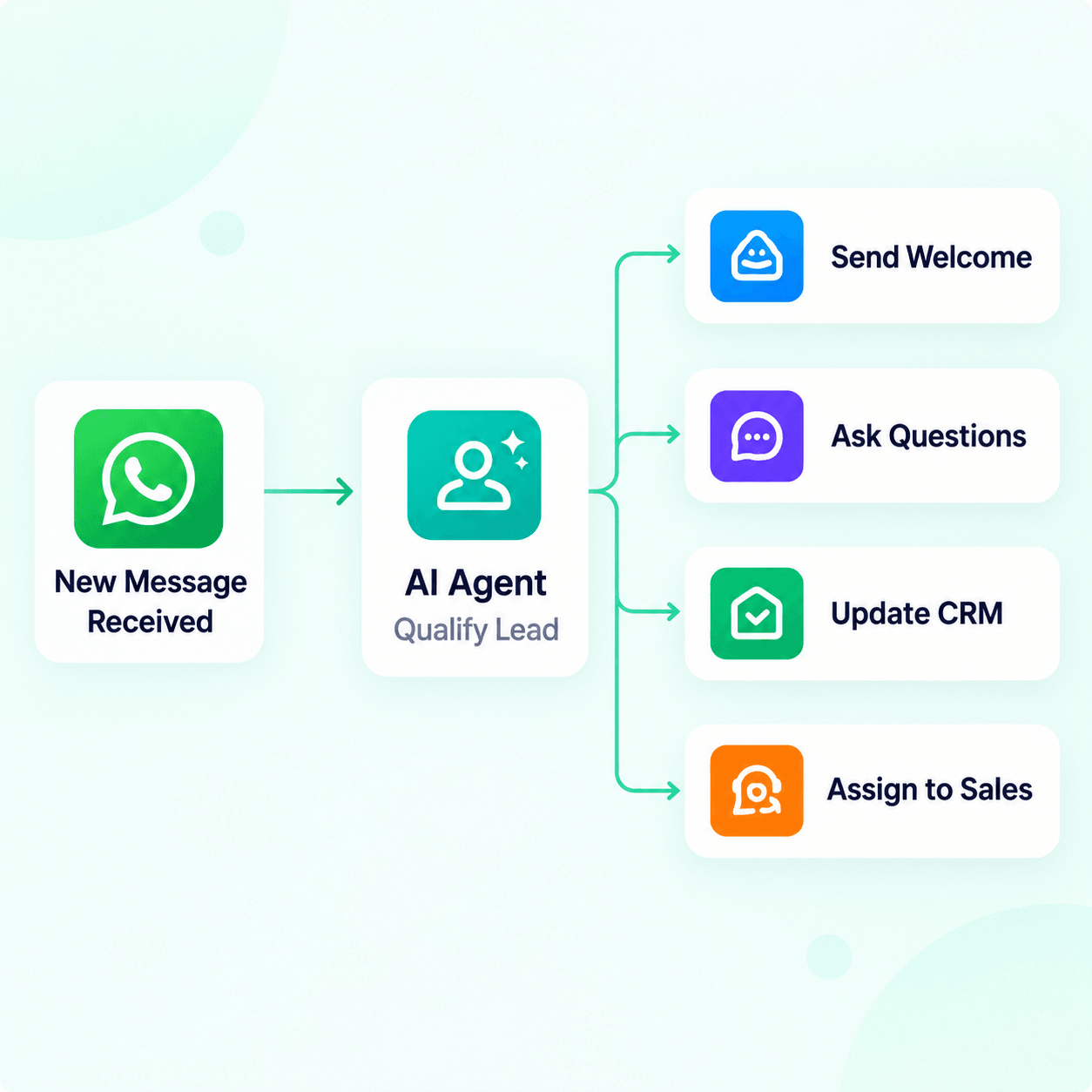
From an incoming message to the next action, see how the experience comes together.
Give customer AI replies the product and policy context you approve.
Track next steps and configure eligible customer-requested reminders.
Keep leads and conversation details together in your CRM workspace.
Not sure where AI can help your business? Get a free personalized WhatsApp AI Automation Plan for your business.
A useful business AI should do more than generate a friendly reply. It should understand the information you have approved, capture what a customer needs, keep important context with the lead, and involve a human when the conversation needs judgment.
SyncWABA is designed around that workflow. Customer AI can use your product, service, FAQ and policy context; collect useful details; keep lead information together; and guide eligible conversations toward a meeting or human sales conversation.
Add the information your business wants the AI to use — such as product details, service information, FAQs, policies and operating guidance. The goal is to make responses grounded in your business rather than generic answers.
Instead of forcing every prospect through a form, the AI can collect configured details naturally during the chat: requirement, product or service interest, city, budget, timeline or any other information your sales process needs.
Important requirements should not disappear inside a long chat history. Keep customer details, conversation context and next actions together so a salesperson can understand the opportunity before taking over.
When an eligible calendar connection is enabled, the assistant can help with meeting requests and create a booking only after the customer confirms the time.
Configure clear boundaries for human takeover. A customer can ask for a person, or your team can define situations where AI should stop and a human should continue the conversation.
Customers do not speak in perfect menus. They ask two questions at once, change their mind, send short messages, use Hinglish, and come back later. SyncWABA is built to help businesses structure these conversations without forcing every customer into a rigid “press 1, press 2” journey.
Client Automation is designed for customer conversations connected to your SyncWABA business workflow. Self AI is a separate private assistant that uses a Linked Devices connection. Keep these modes clearly separated in your setup and on the website so customers understand which connection they are using.
Use SyncWABA AI when your team receives repetitive enquiries, needs faster lead qualification, wants better context before a sales call, or needs a clearer process for moving WhatsApp conversations into the next business action.
The goal is not simply to automate more messages. The goal is to turn an unstructured chat into a useful business outcome: a qualified lead, a clear requirement, a scheduled conversation, an answered question or a well-timed human handoff.
Explore practical ways the two assistants help with customer conversations and your private work.
“Can you send the image and quotation?”
Match approved uploads and collect missing delivery details.
“Do you deliver to my city?”
Use your guidance and knowledge without inventing promises.
“We need four machines next month.”
Capture the requirement, timeline and intent in CRM.
“Can we meet Tuesday at 3 PM?”
Check an enabled calendar and book only when confirmed.
“What did I promise this week?”
Find relevant context in chats you explicitly allowed.
“Remind me about the quote tomorrow.”
Save a private reminder in your Self AI organizer.
From a product enquiry to a qualified lead, keep the customer and the next step in view.
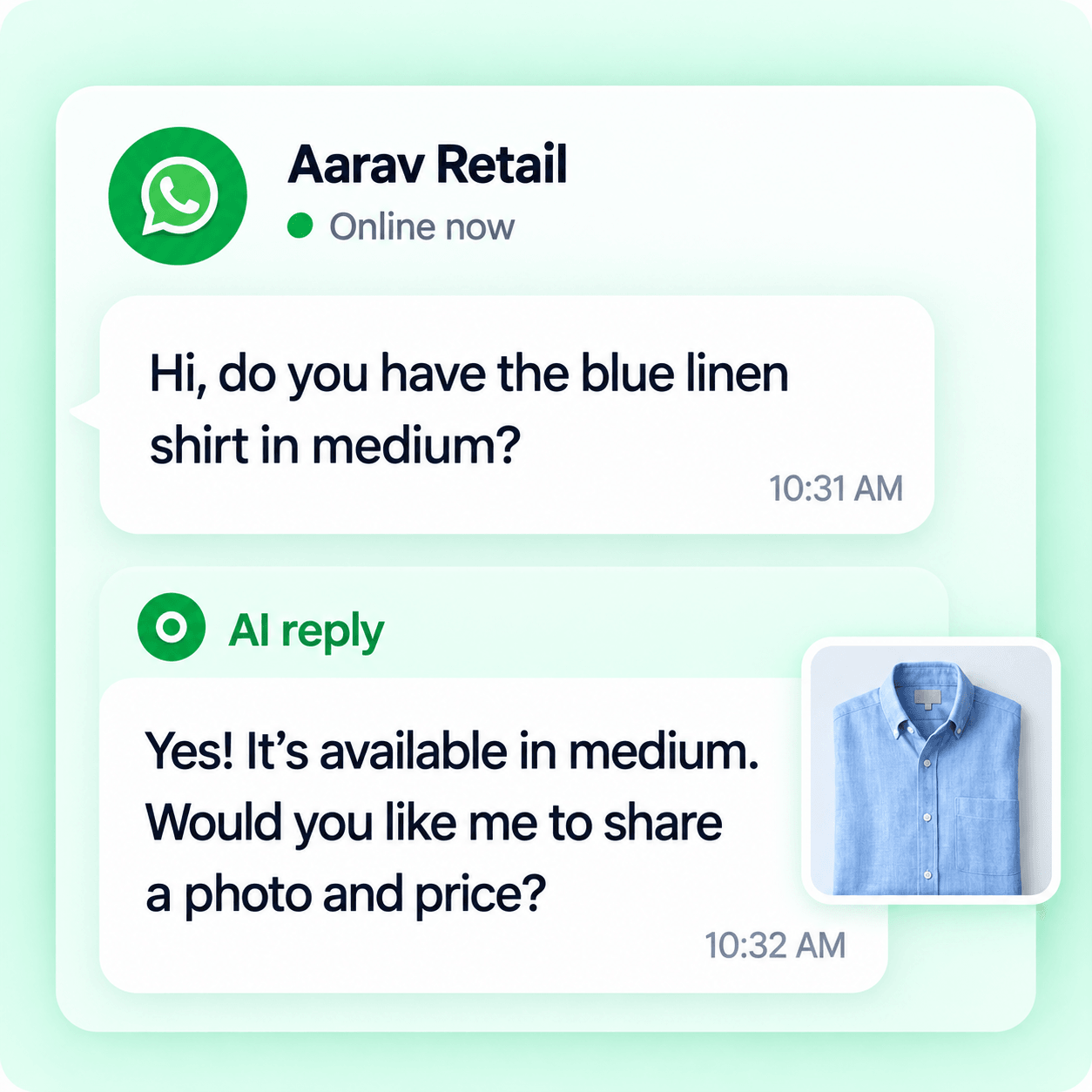
Answer availability and share approved product details
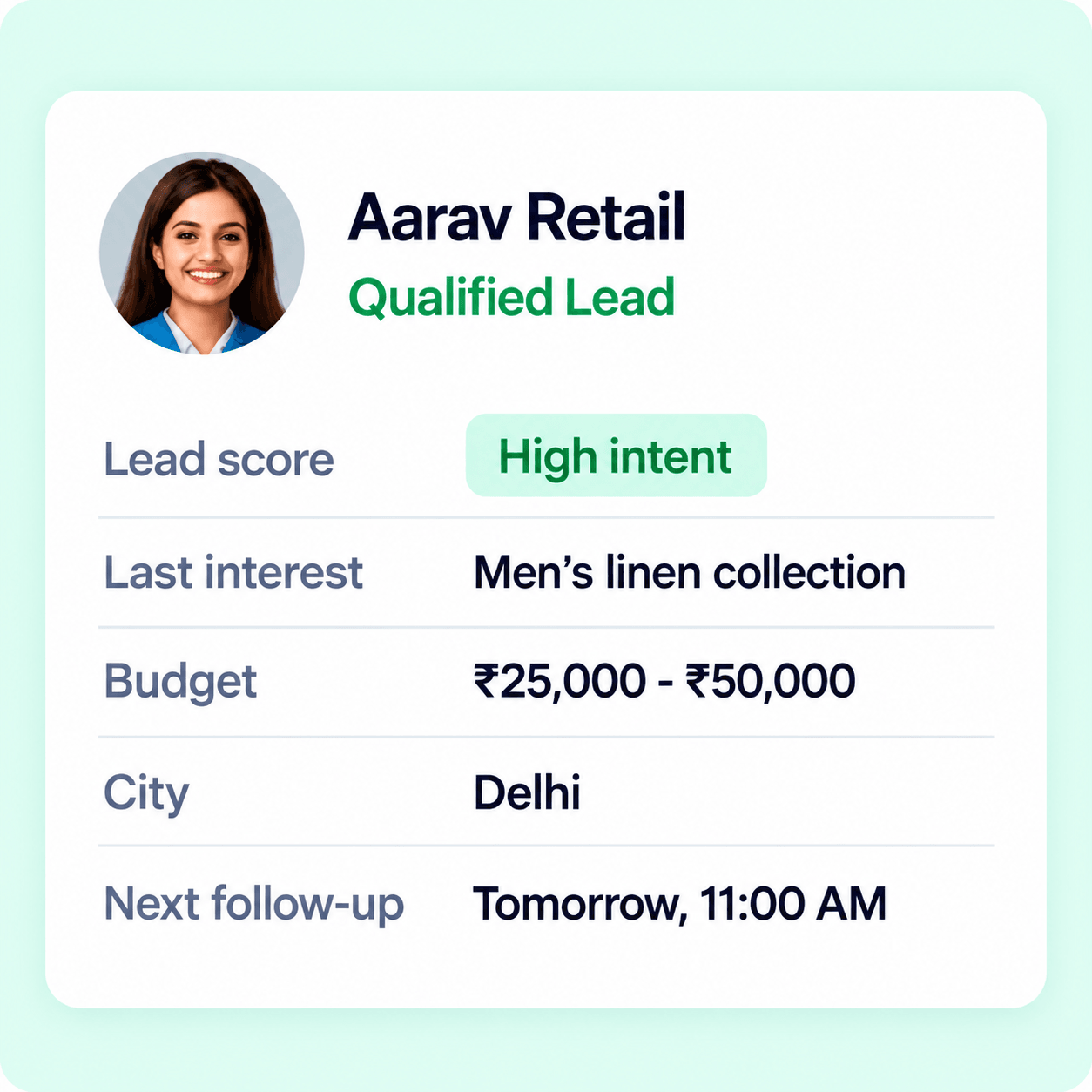
Keep customer requirements and next steps together
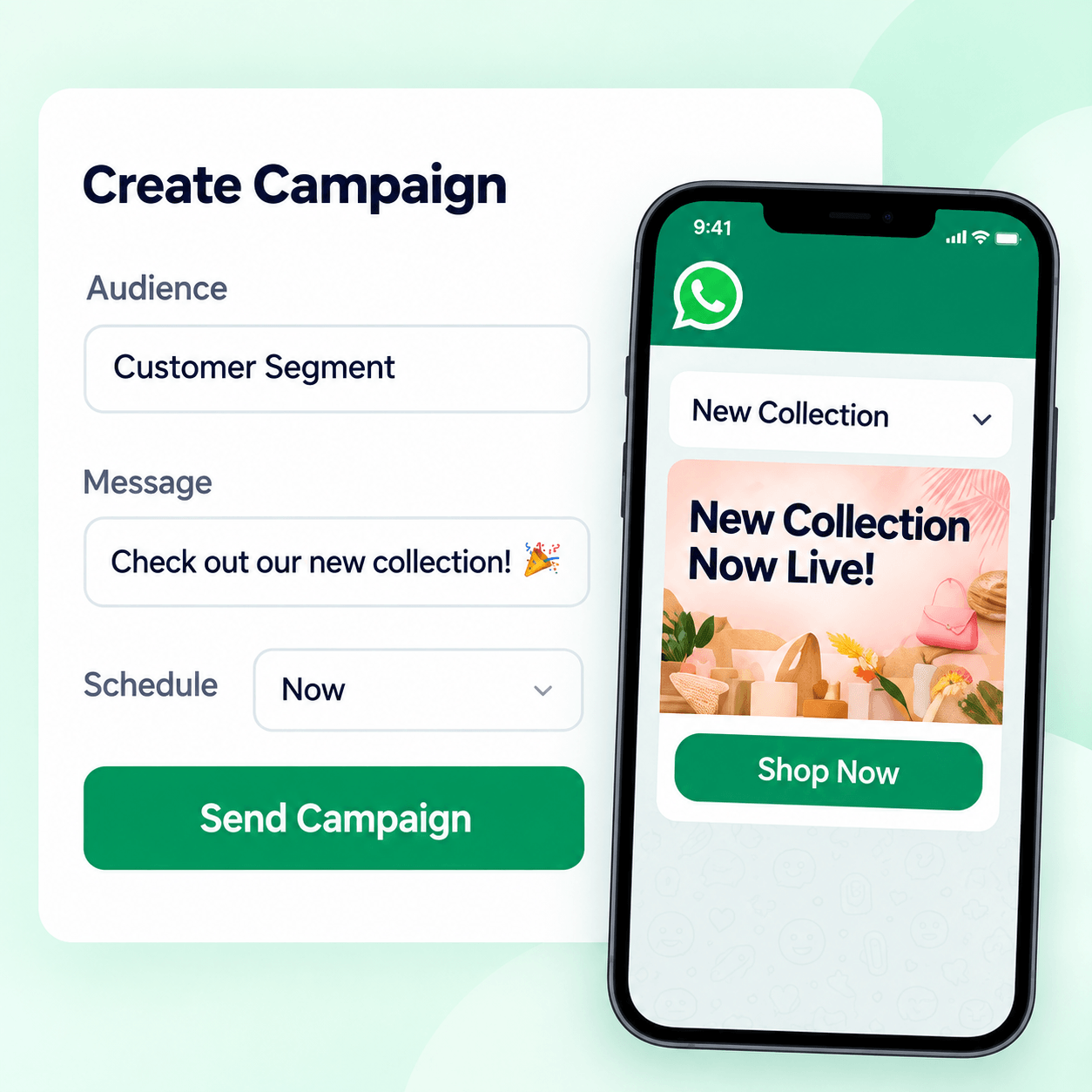
Preview customer messages before sending

Help patients reach the right booking or support path
Answer five quick questions to see how much of your WhatsApp sales and support workflow could potentially be automated.
Open the shareable assessmentLearn how approved knowledge, qualification, CRM context, booking and human handoff work together.
Choose a workflow, explore development services or compare the requirements for your next rollout.
Everything you need to know before creating your workspace.
A WhatsApp AI agent is an AI assistant connected to a business messaging workflow that can understand customer messages, use approved business information, capture configured lead details and help move conversations to the next step.
Yes. Businesses can configure the information they want to collect, such as requirement, product interest, location, budget and timeline, and keep that context with the lead.
Yes. Human handoff should be part of the workflow. Configure when the AI should stop and a person should continue the conversation.
No. Client Automation and Self AI are separate modes. Self AI uses a Linked Devices connection and should not be described as an official WhatsApp Business API integration.
Get your personalized automation plan, or book a focused walkthrough with our team.