
Build around the messages customers actually send
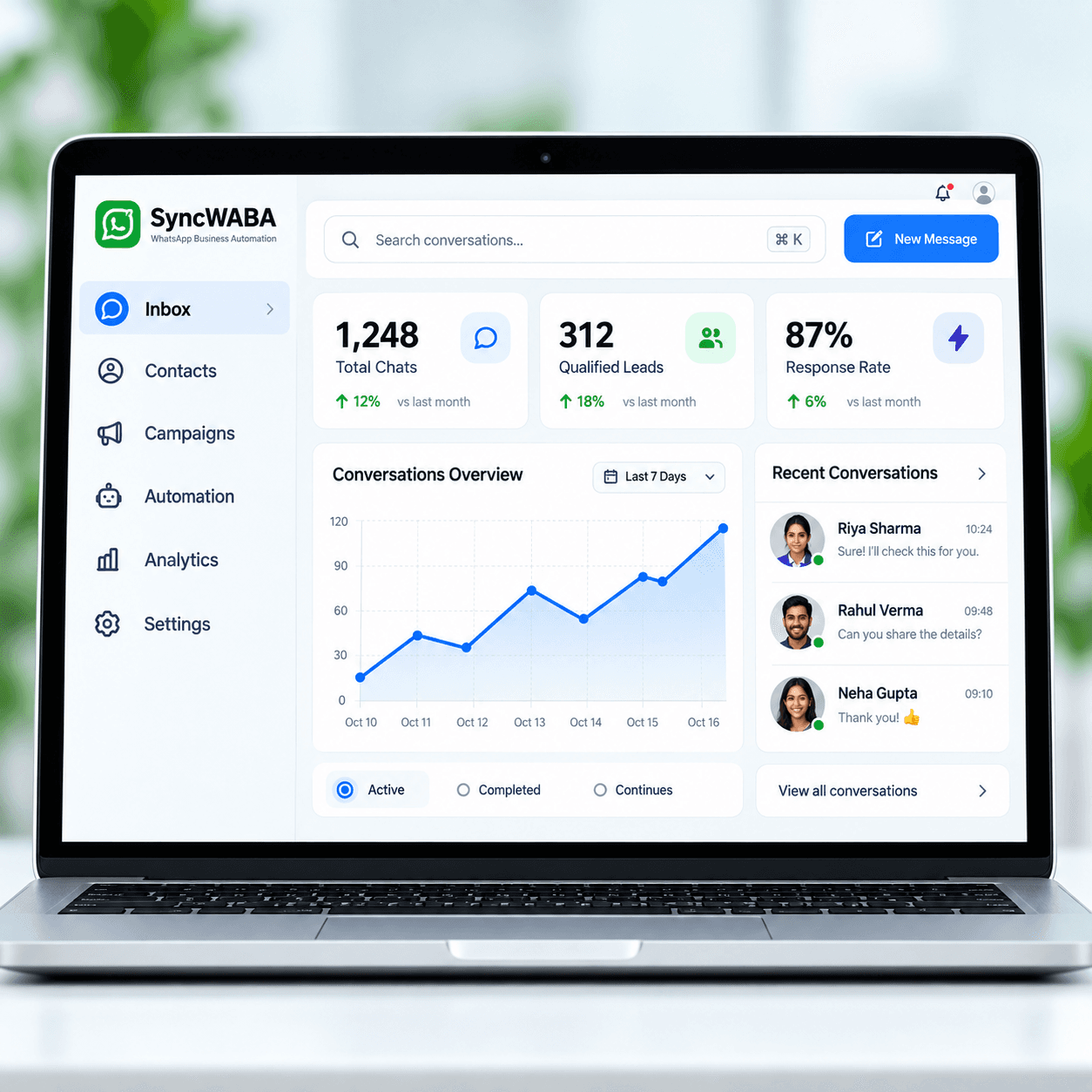
Customers rarely follow a perfect script. They send a product name, ask for a price or describe a requirement across several short messages. Your chatbot needs approved information and a clear rule for what to ask next. SyncWABA can use business knowledge and store useful conversation context. Supply product descriptions, service coverage and qualification questions that your team can stand behind. Keep final discounts, changing availability and unusual commitments with an authorized source or a salesperson.
Connect customer automation through the right channel
Customer-facing Client Automation uses the configured SyncWABA business messaging connection. Private Self AI is a separate mode with a separate Linked Devices connection and permissions. Choose Client Automation for enquiries from buyers and service customers. Configure the business connection, knowledge, reply behavior and human ownership together. A chatbot conversation should have a usable destination: an answered question, a qualified enquiry, an eligible confirmed booking or a person ready to continue the discussion.
Looking for a free chatbot for WhatsApp?
A free chatbot for WhatsApp should be evaluated by what the trial actually includes. Workspace access, AI usage, business messaging and setup assistance are separate questions. Ask for the current trial scope and any provider charges before connecting a production number. Use the trial to test real customer wording and escalation behavior. Do not assume that a free evaluation means unlimited live messages, unrestricted outbound campaigns or every integration. Request a demo and written confirmation of the limits that matter to your team.
Plan a focused launch and review the results
Start with one inbound product or service enquiry. Collect the questions your team actually receives, approve the answers and identify the person who owns exceptions. Decide which details matter: requirement, location and the requested next step. Keep the first rollout narrow enough that the team can review every conversation and correct confusing answers before expanding it. Test short messages, incomplete requests, Hindi, English and Hinglish, plus a direct request to speak to a person. Check that a human can continue from the captured context without asking the same questions again. Evaluate correct answers, qualification completeness and handoff quality, rather than treating every automated response as a successful outcome. Review unanswered questions regularly, assign someone to maintain changing information and agree how customers can reach your team when automation cannot help. Bring these examples to your demo so the conversation starts with your actual operating needs.