
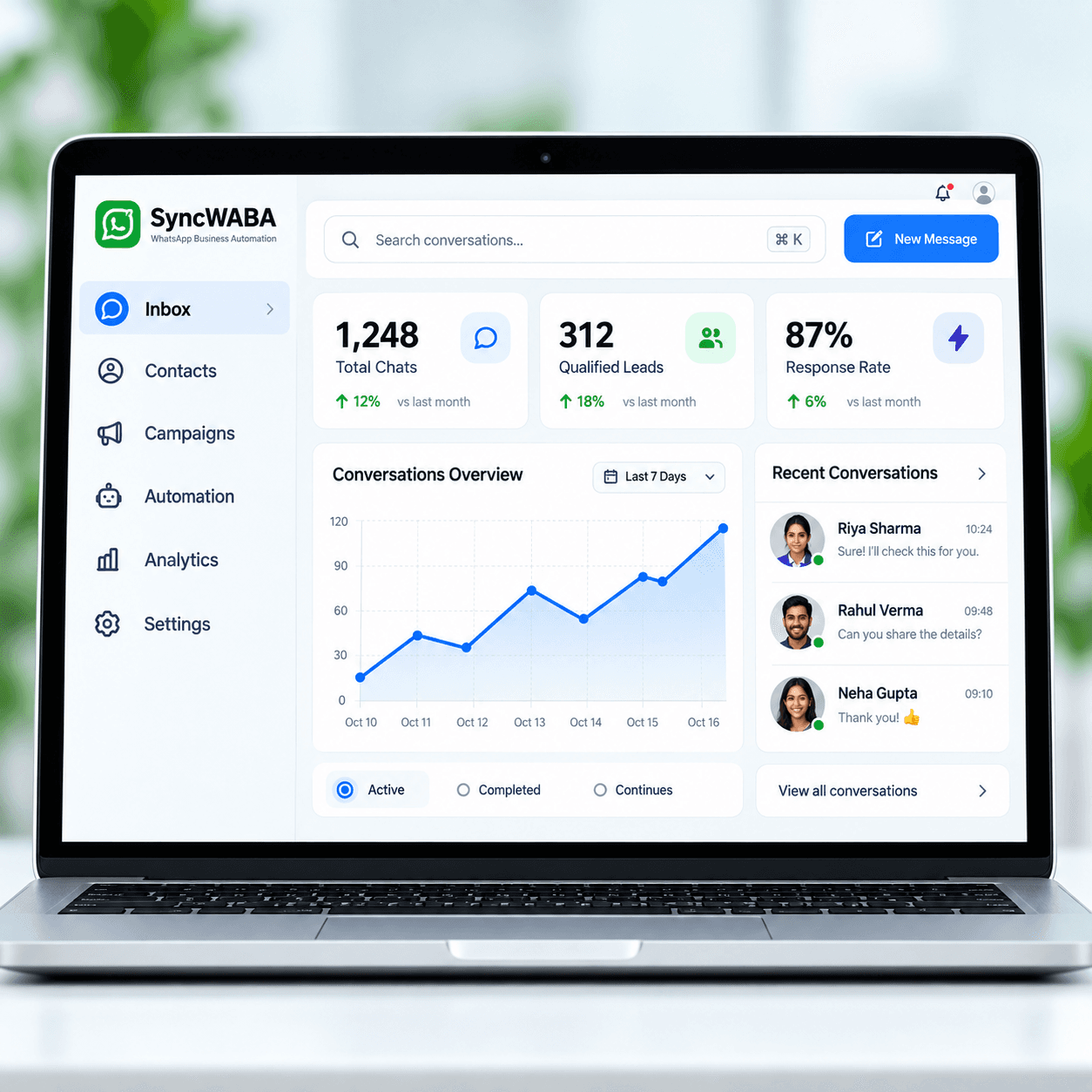
Configure approved answers and conversation rules
Start with the questions customers ask repeatedly and the information your team has already approved. Add product, service and policy knowledge, then define how the assistant should clarify missing details or involve a person. A configuration-led workflow helps business owners improve an answer without editing application code. Keep the information direct and specific. The quality of the chatbot still depends on current knowledge and sensible rules; a simple settings screen does not eliminate the need to review what the assistant tells customers.
Set up qualification and human ownership
Decide which details the team needs before acting on an enquiry. A product request may need a model, quantity and delivery location, while a consultation request may need a topic and preferred time. Use the business setup to keep questions relevant and responses concise. Define who receives unresolved requests and when AI should stop responding. The workspace brings lead context and conversations together, helping a person understand the requirement and continue from the point where automation reached its limit.
Understand where custom development is still needed
No-code configuration describes how routine answers and supported settings are managed. It does not imply a visual drag-and-drop flow editor or unlimited integrations. Connecting an unusual business system, adding a privileged action or changing a complex operational process may require development work. Discuss those requirements with the SyncWABA team and agree the scope separately. Evaluate the tools currently available in the workspace through a demo so expectations match the product rather than the broad promises sometimes attached to the word builder.
Plan a focused launch and review the results
Start with one configuration-led FAQ or qualification workflow. Collect the questions your team actually receives, approve the answers and identify the person who owns exceptions. Decide which details matter: approved answers, necessary lead fields and the human escalation owner. Keep the first rollout narrow enough that the team can review every conversation and correct confusing answers before expanding it. Test short messages, incomplete requests, Hindi, English and Hinglish, plus a direct request to speak to a person. Check that a human can continue from the captured context without asking the same questions again. Evaluate how easily your team can maintain answers and review unresolved conversations, rather than treating every automated response as a successful outcome. Review unanswered questions regularly, assign someone to maintain changing information and agree how customers can reach your team when automation cannot help. Bring these examples to your demo so the conversation starts with your actual operating needs.